Product Dimensions for Shopify
Add length, width & height to any product or variant in seconds. Streamline dimension management with powerful bulk editing via Shopify's native tools.
The Problem
Shopify doesn't include native fields for product dimensions. This creates challenges for merchants who need accurate dimensional weight calculations—especially when migrating from platforms like BigCommerce.
Why Dimensions Matter
Carriers calculate shipping costs based on either actual weight or dimensional weight—whichever is greater. Without accurate dimensions, you'll either overcharge customers or lose money on shipping.
Dimensional Weight = (Length × Width × Height) ÷ DIM Factor| Carrier | DIM Factor (in³) |
|---|---|
| UPS / FedEx / DHL | 139 |
| USPS | 166 |
How Dimension Works
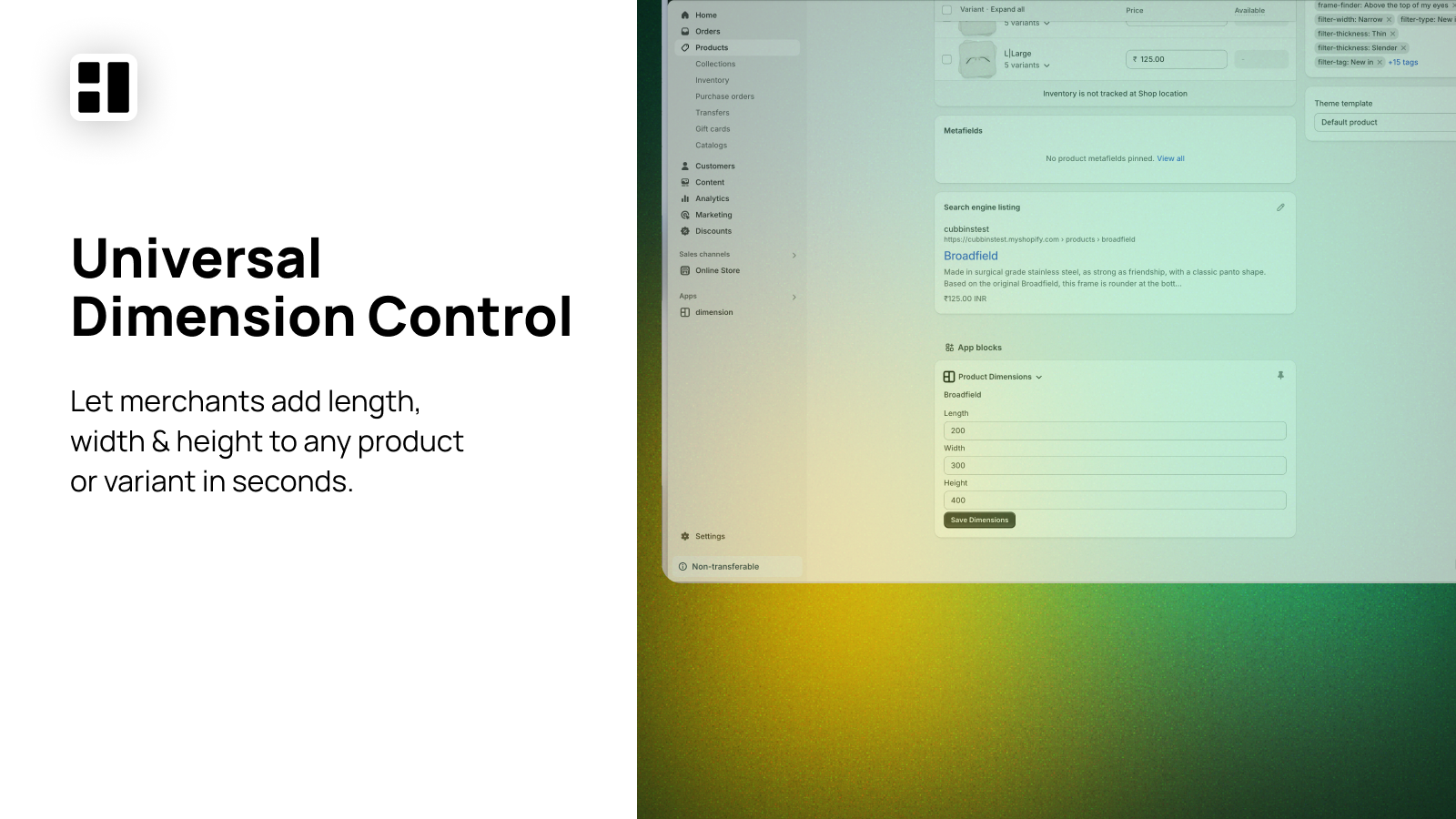
Universal Dimension Control
Add length, width, and height to any product or variant directly in your Shopify admin. No spreadsheets or complex workflows required.
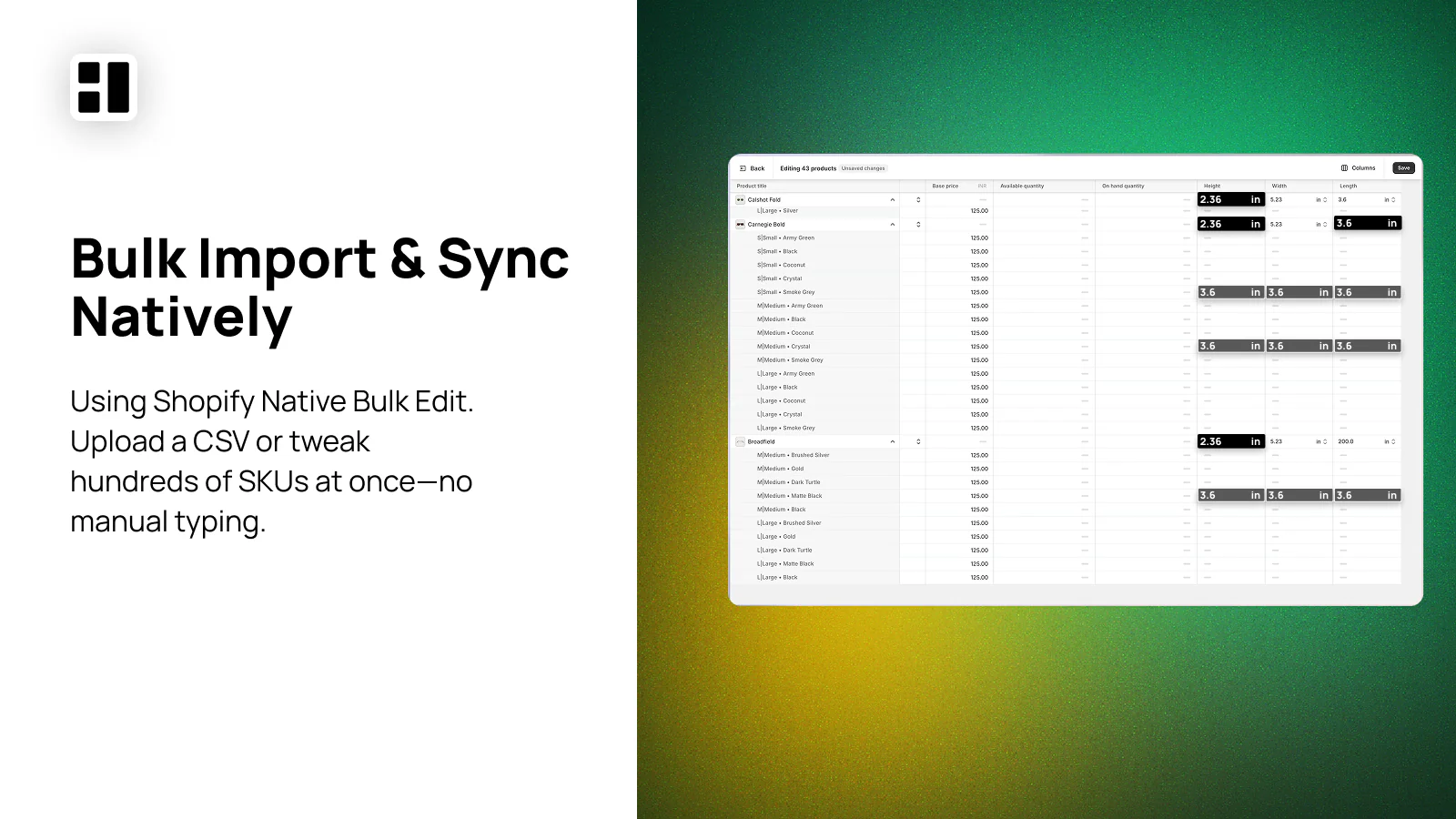
Bulk Import & Sync Natively
Using Shopify's native bulk editor, upload a CSV or edit hundreds of SKUs at once—no manual typing. Perfect for large catalogs.
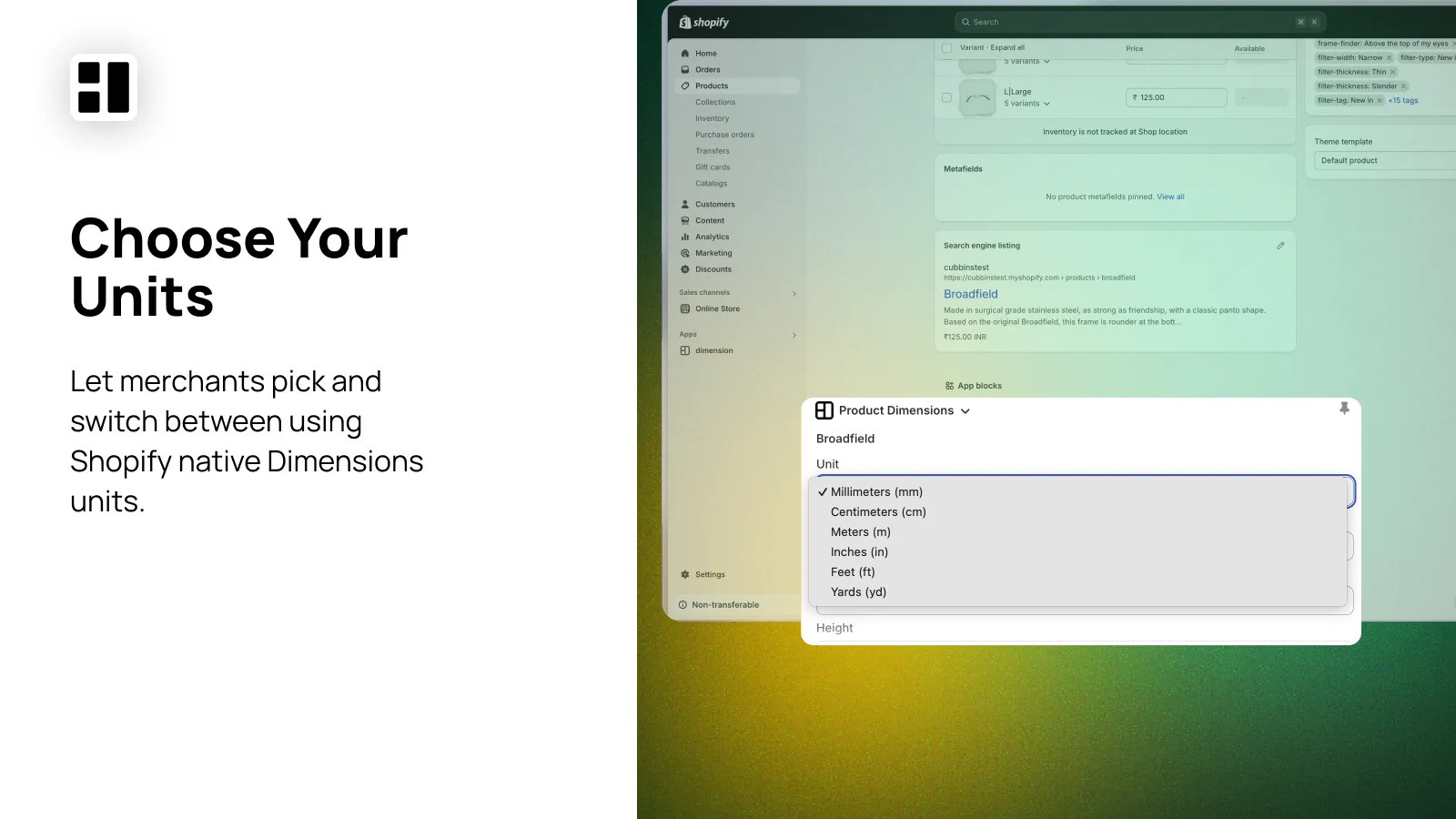
Choose Your Units
Switch between measurement units to match your needs. Supports millimeters, centimeters, meters, inches, feet, and yards.
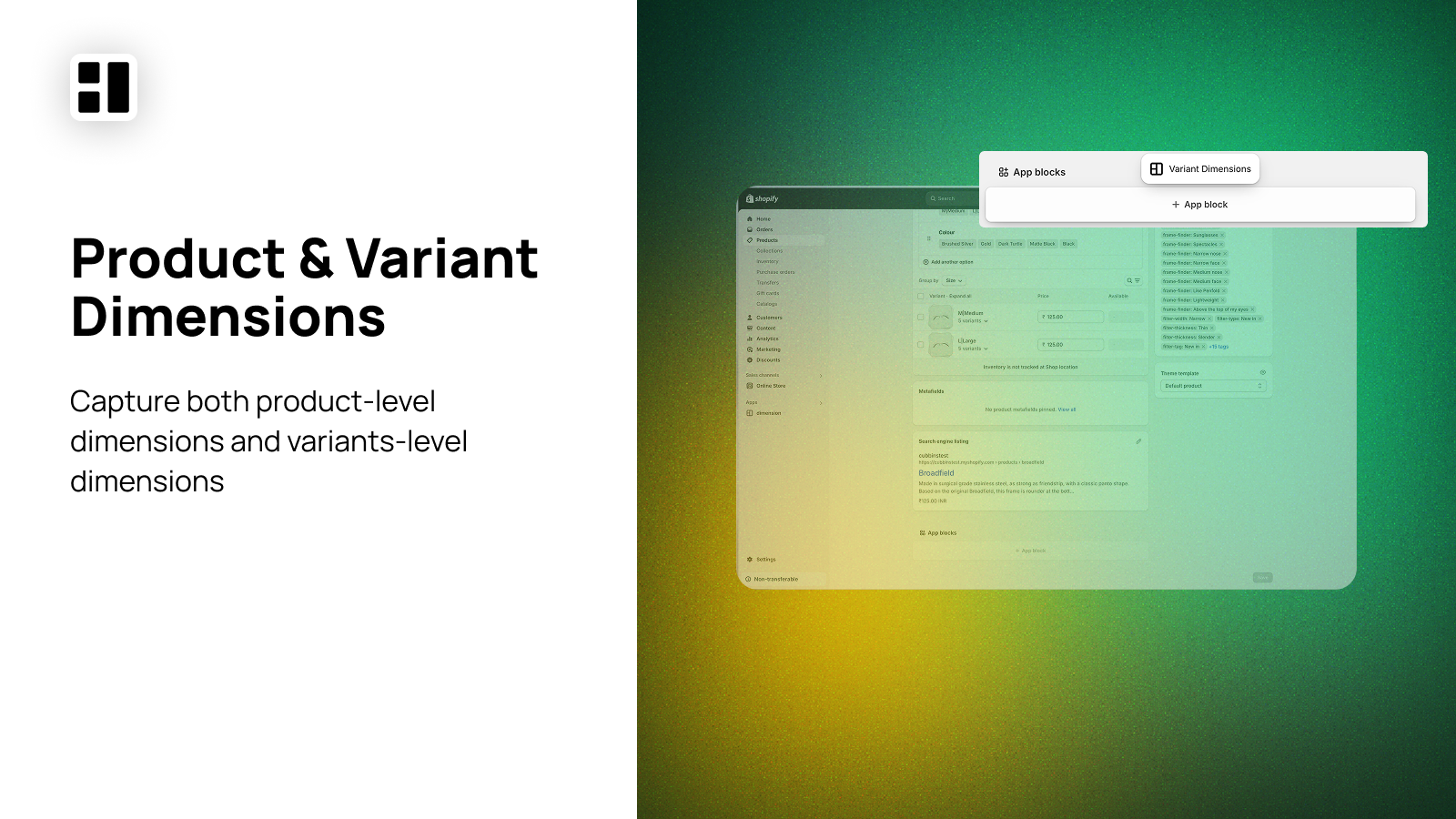
Product & Variant Dimensions
Capture both product-level and variant-level dimensions. Perfect for furniture, electronics, and any physical goods with size variations.
Key Benefits
Seamless App Integrations
Works instantly with Shippo, EasyPost, and other shipping apps. Zero setup required.
Zero Vendor Lock-In
Built with native Shopify metafields. Your data stays portable and yours forever.
Free Forever
No subscription fees. Install and use all features at no cost.
Migrating from BigCommerce?
BigCommerce includes native dimension fields, but Shopify doesn't. Here's how to preserve your dimension data during migration:
- 1
Export from BigCommerce
Export your product catalog including length, width, and height fields
- 2
Install Dimension App
Install from the Shopify App Store—free and takes 30 seconds
- 3
Bulk Import Dimensions
Use Shopify's native bulk editor to import dimension data from your CSV
- 4
Connect Shipping Apps
Shippo, EasyPost, and others automatically read your dimension data
Try the DIM Weight Calculator
See how different package sizes affect your shipping costs. Compare dimensional weight vs actual weight to understand when DIM pricing kicks in.
Package Comparison
Medium Box Details
This package is billed by dimensional weight because it takes up more space relative to its actual weight.
Ready to add dimensions?
The Dimension app is free to use. Install it today and start calculating accurate shipping rates.
Install Dimension App